
Complete
Marketing
10 week
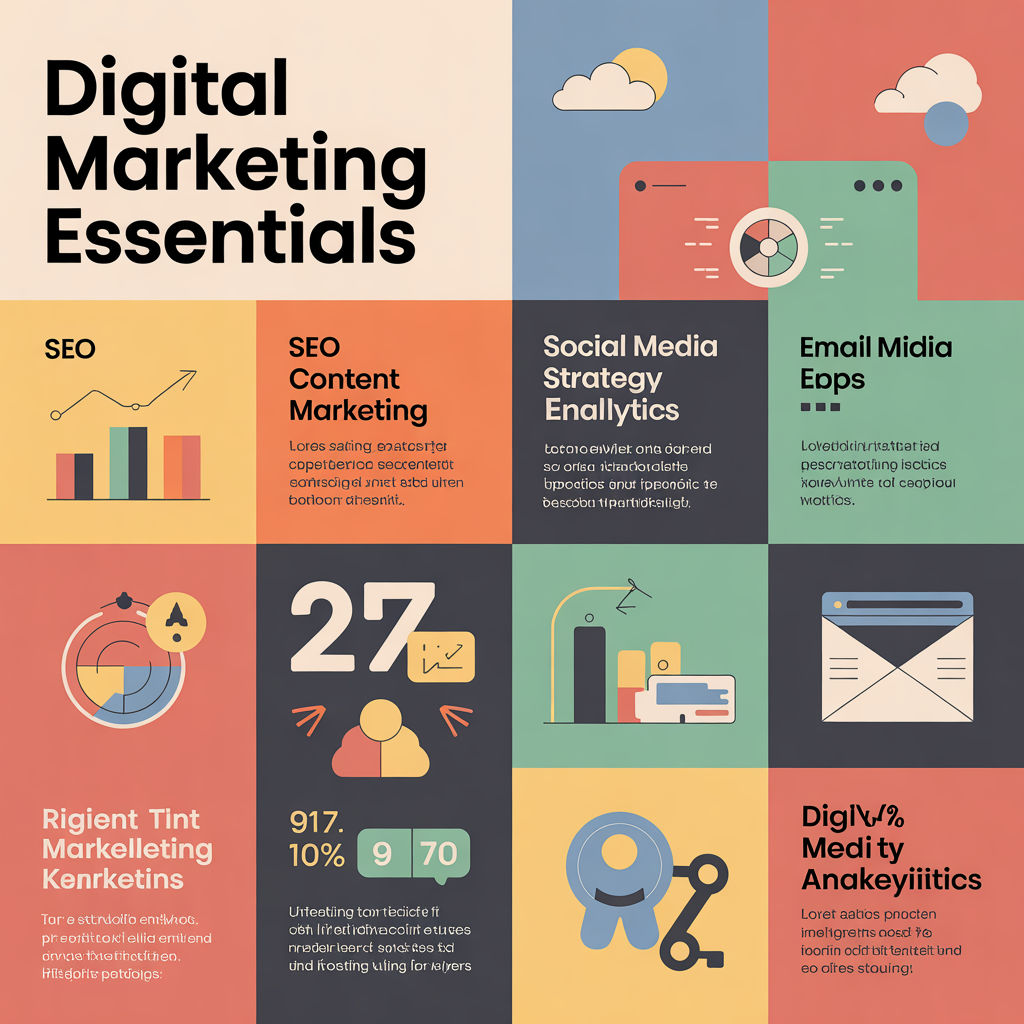
Digital Marketing Essentials
Sorry, but you do not have permission to view this content.
Master new abilities from instructors who know the craft. Build your foundation with courses designed for real work.

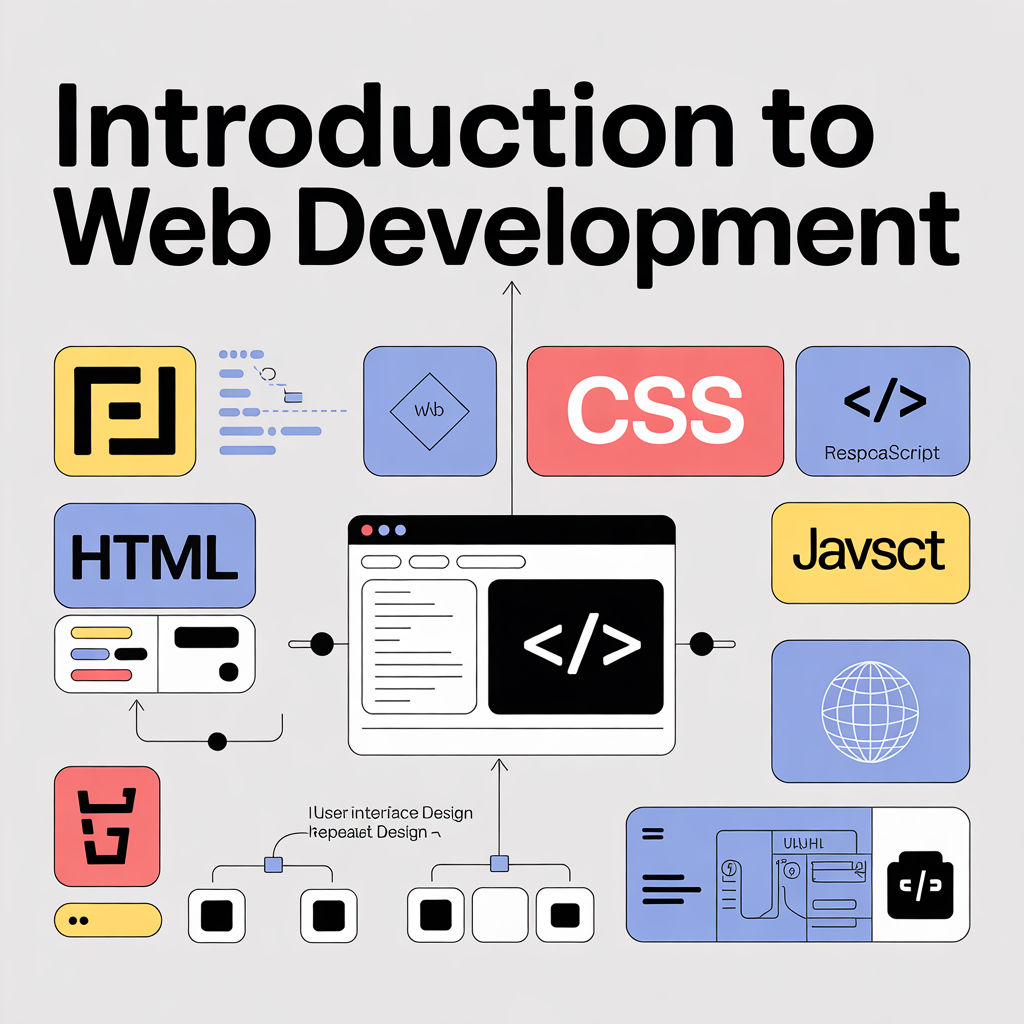
This Introduction to Web Development course gives beginners a complete foundation in how websites and web apps are built. You’ll learn the […]


About
We believe learning works best when it comes from those who have done the work. Our courses are built on experience, taught by practitioners, and designed for people who want to build something real.
Team

Events
Blog
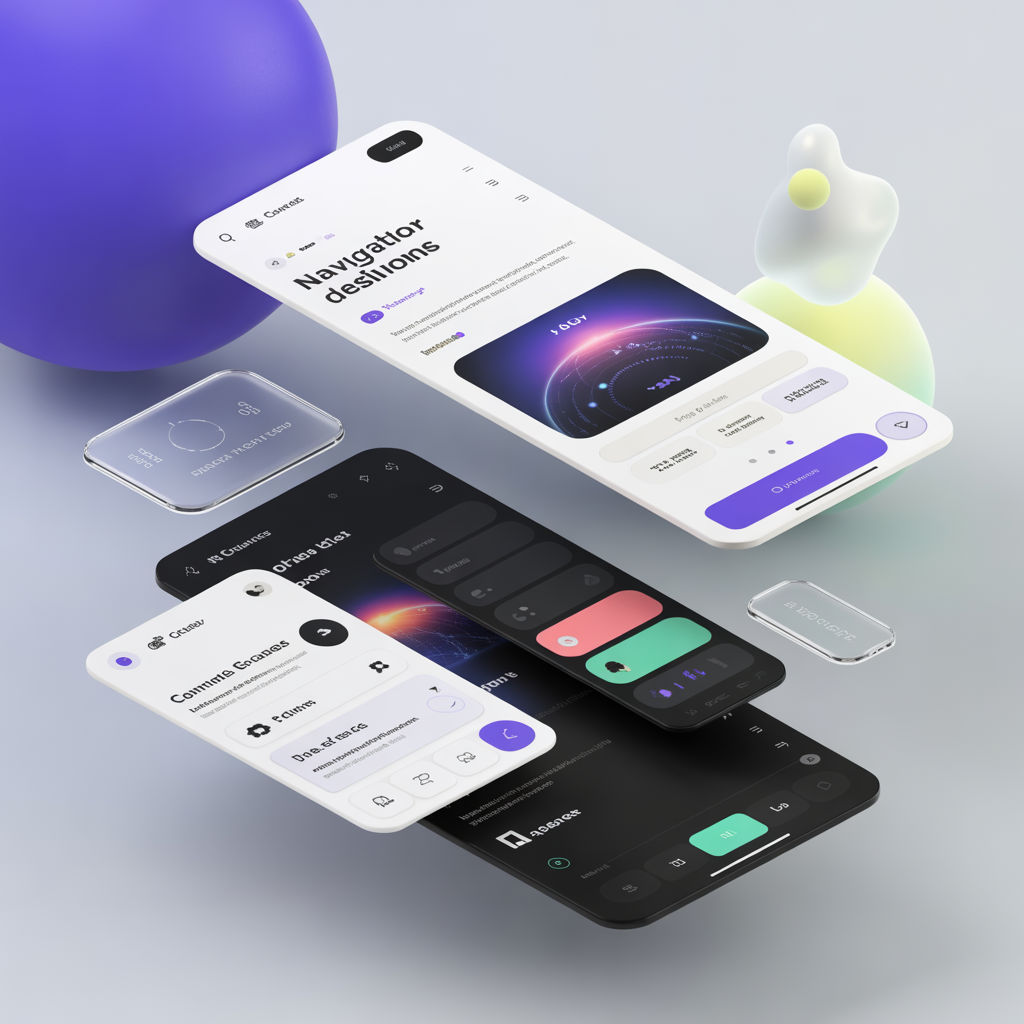
Why standard layouts are losing effectiveness The classic top nav + hero works for simple marketing pages, but it struggles […]
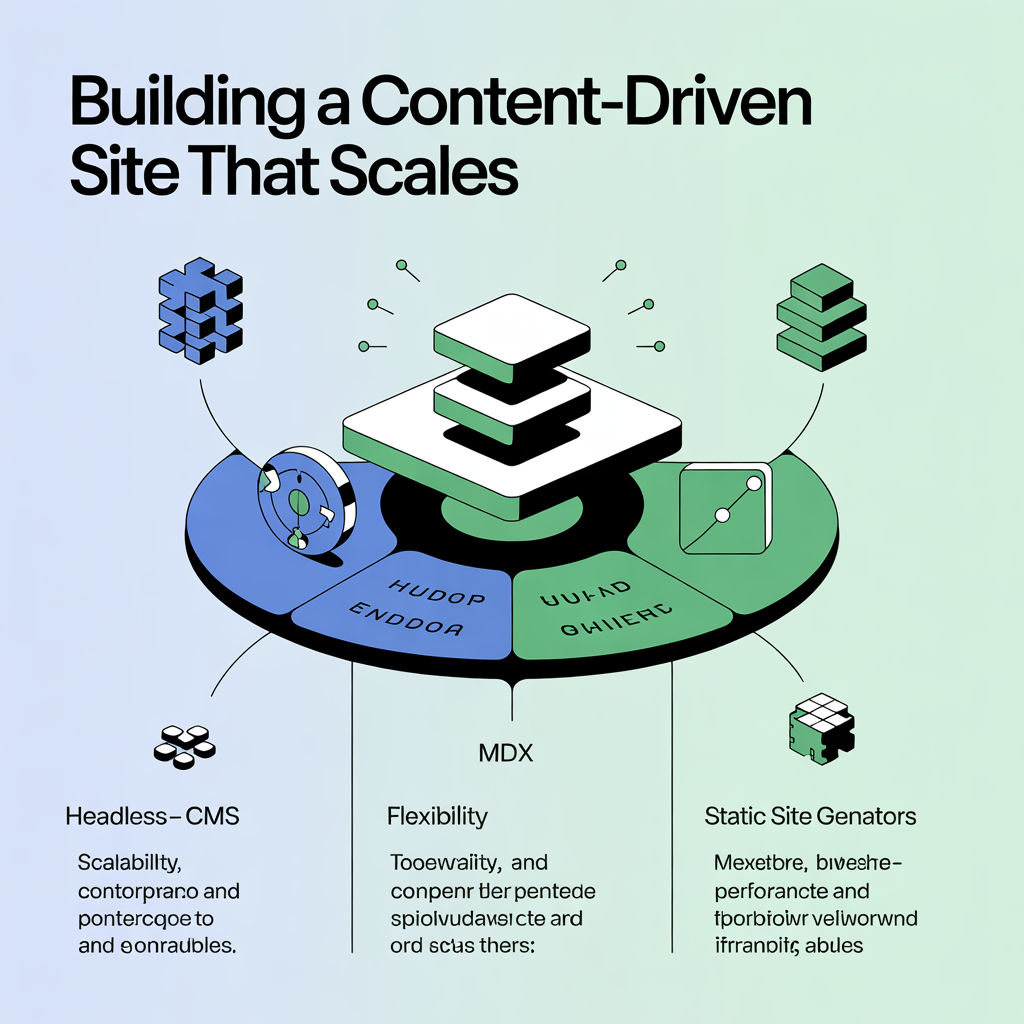
Your decision is mostly about workflow All three approaches can be fast and SEO-friendly. The real question is: who publishes content, […]
Use AI for leverage, not identity AI is great at accelerating drafts, variations, and audits—but it tends to average everything […]


Get the latest course releases and learning insights delivered straight to your inbox each week.
By subscribing you agree to our Privacy Policy and consent to receive updates from SkillNet.
 Courses: 5
 Students: 8


I recommend Photoshop for beginners because there are countless tutorials and practice files that guide you step by step. Features like adjustment layers and smart objects let you experiment without ruining the original image. With regular practice, you’ll gain confidence in color correction, cropping, and simple design projects.
Photoshop is a great starting point for beginners because it teaches core editing skills that apply everywhere: layers, selections, masks, and basic retouching. The interface can feel busy at first, but once you learn a few tools, you can edit photos, create posters, and improve images quickly.
HTML5 makes building modern web pages cleaner and more semantic, with elements like header, section, and article that improve structure and accessibility. Features such as native audio/video and better form inputs reduce reliance on plugins. It’s a solid foundation for responsive, SEO-friendly websites.
CSS3 brings design to life with flexible layouts and smooth visuals. Flexbox and Grid make responsive design far easier, while transitions, animations, and shadows add polish without heavy graphics. With media queries and modern styling tools, CSS3 helps create fast, consistent interfaces across devices.
I like MySQL because it balances simplicity with powerful features. Replication, backups, and user permissions are practical to set up, and tools like MySQL Workbench improve productivity. It scales from small projects to larger systems with careful schema design, making it a strong default choice.
MySQL is a dependable, widely supported database that’s easy to learn and quick to deploy. It performs well for many web applications, offers solid indexing and query optimization, and integrates smoothly with popular stacks like PHP, Python, and Node.js. The documentation and community make troubleshooting straightforward.